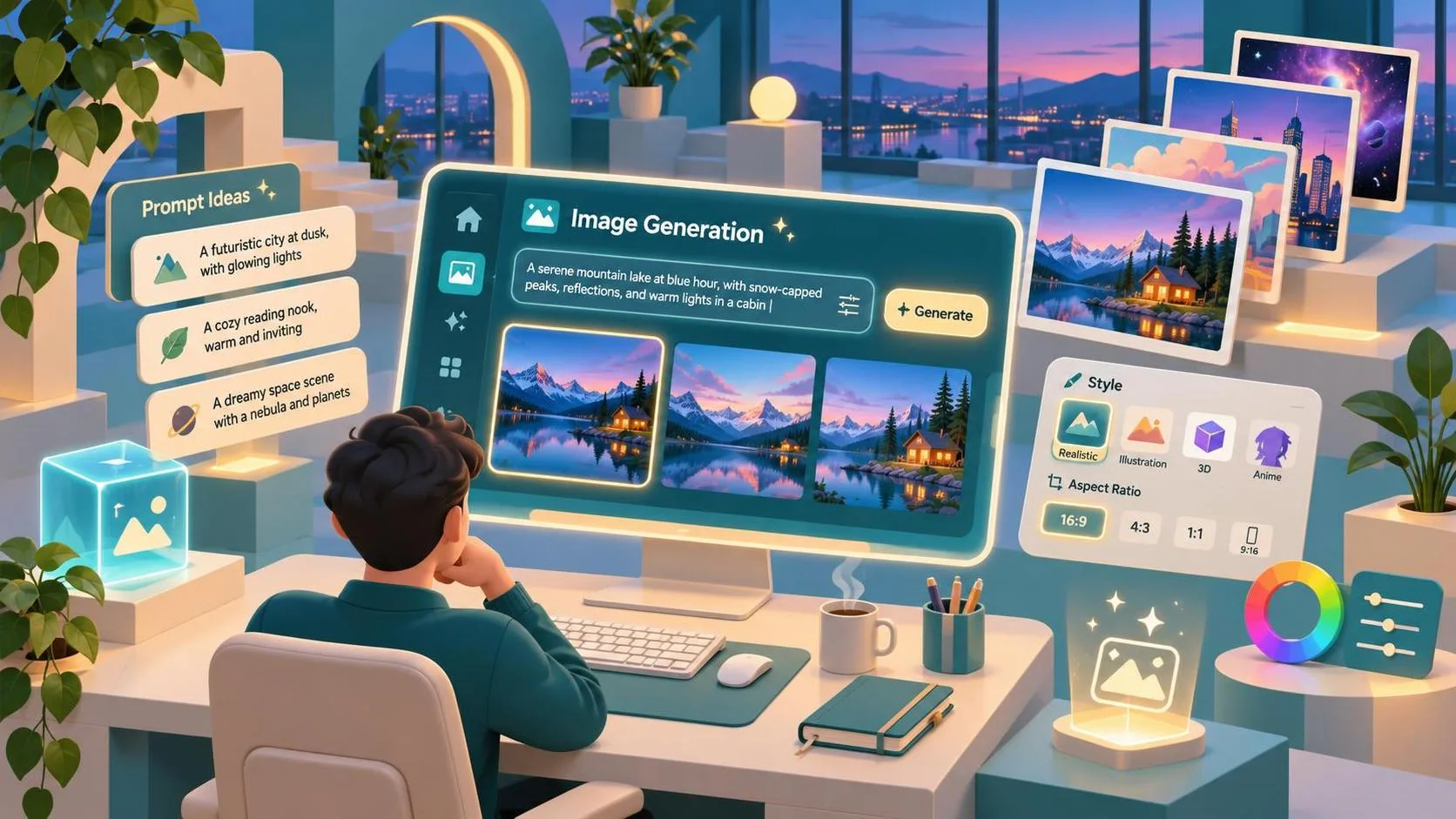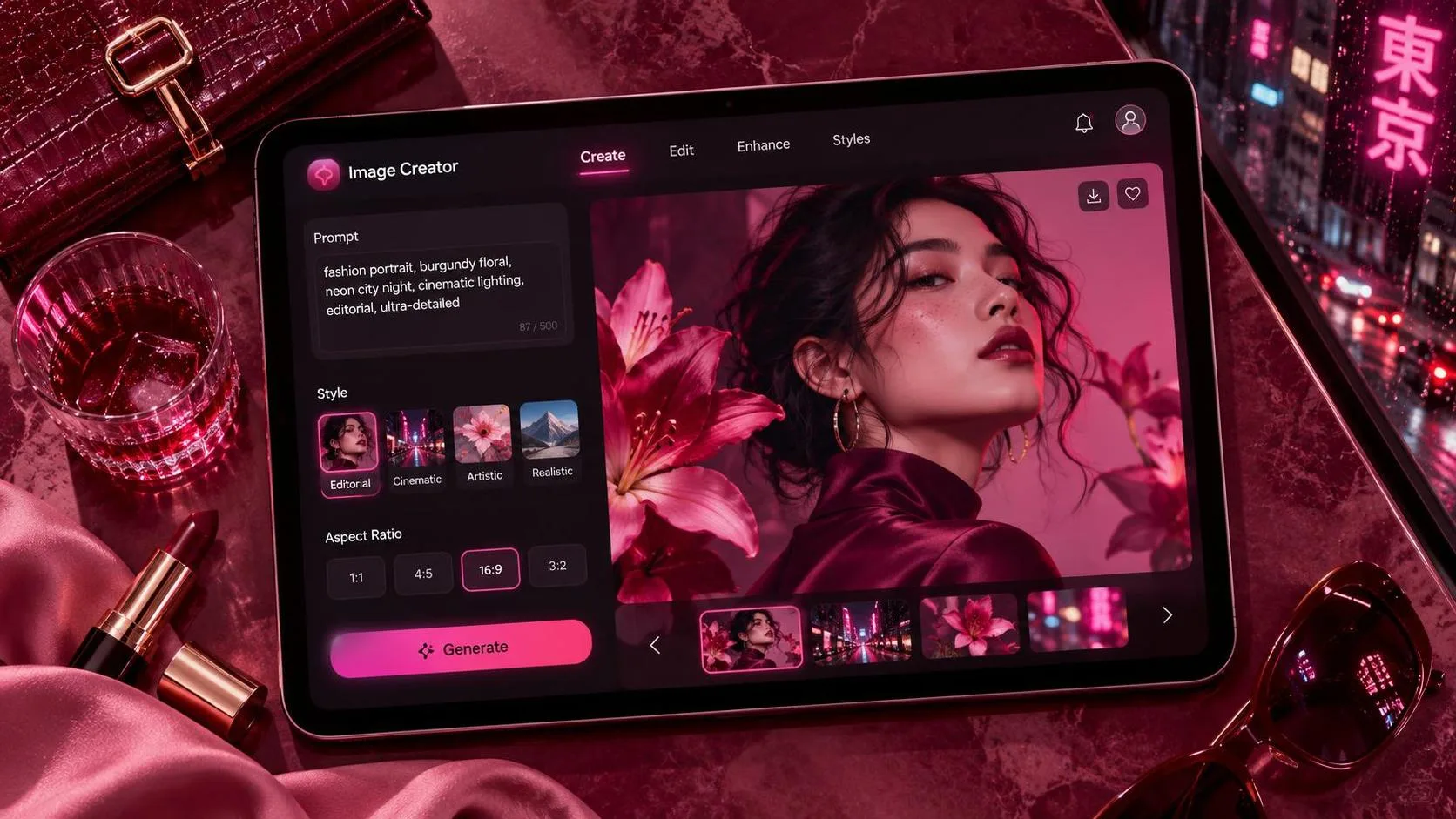
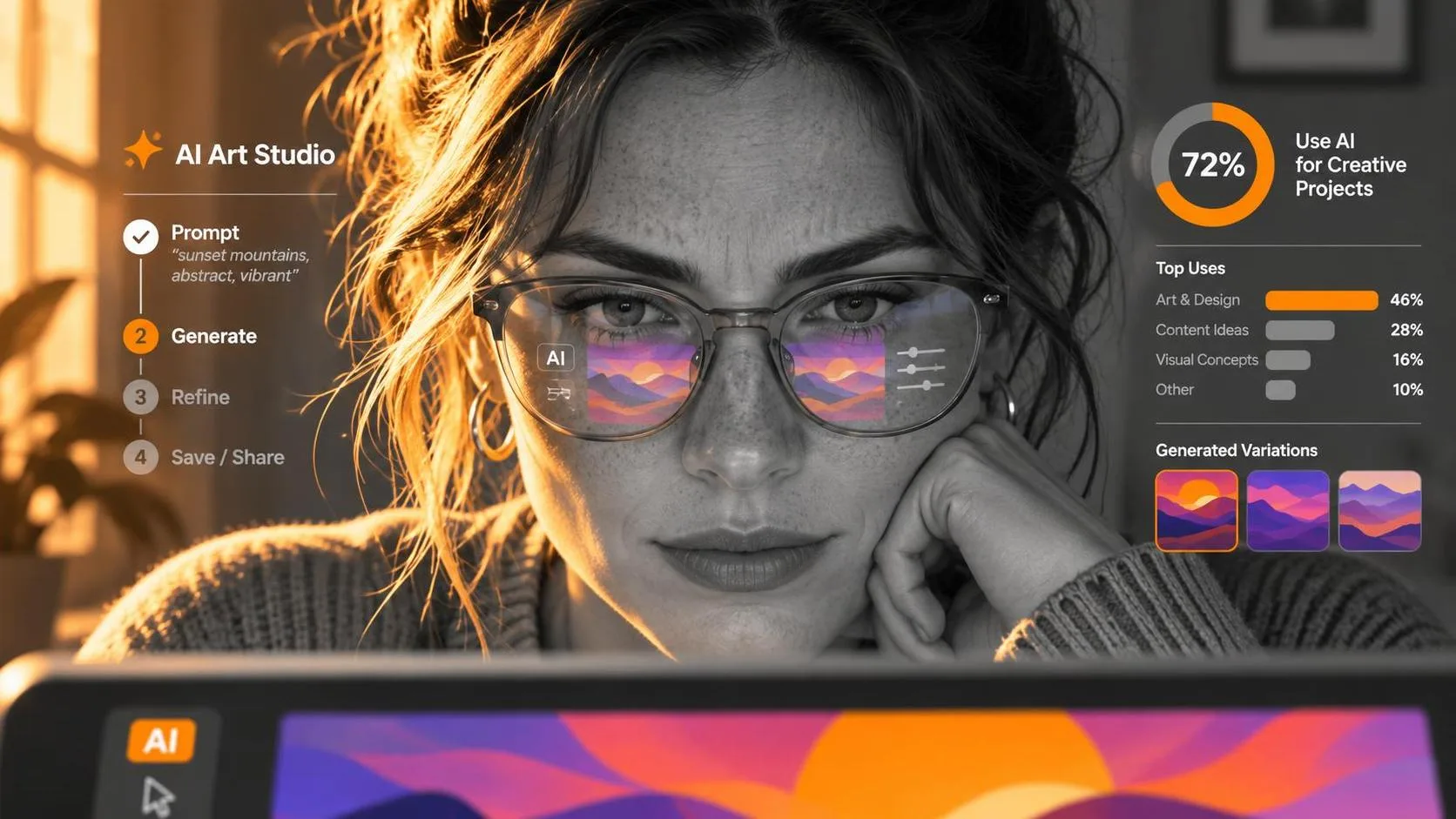
The best free ai image generators depend on what you need to make: ChatGPT is a useful starting point for conversational revisions, Adobe Firefly suits designers already working in Adobe’s ecosystem, and Canva works well when the image needs to become a social post or presentation. Microsoft Designer is another accessible option for quick concepts. Free access and generation limits change, so check each service’s current plan before committing to a workflow.
My practical pick for most beginners is ChatGPT: describe the visual problem, inspect the result, and ask for a specific change. For a finished marketing layout, I’d also consider Canva. A beautiful image is only half the job if you still have to wrestle it into a usable format.
The Image Guide is an independent publication and is not affiliated with OpenAI or ChatGPT.
How the best free ai image generators compare
ChatGPT: Best for developing an idea through conversation
ChatGPT is a good fit when you know the mood but haven’t settled the composition. Ask for an image, then explain what needs to change: move the subject, simplify the background, or leave room for a headline. That conversational back-and-forth makes it approachable for beginners and useful for art direction.
Its free access may have usage limits, and image features can change. It is also worth checking the interface for the image capability actually available to your account rather than assuming a particular model name. For product work, inspect proportions, labels, and small details before treating the result as more than a concept.
Adobe Firefly: Best for Adobe-oriented creative workflows
Firefly is worth considering if you already use Adobe tools or want to explore a concept alongside a broader design workflow. It offers image generation through Adobe’s Firefly service, with free access subject to limits. Check the specific feature and plan terms before relying on it for a deadline.
I’d reach for this kind of workflow when the generated image is an ingredient in a larger piece: a background, a mood reference, or a starting point for a composite. You’ll still want to handle exact brand typography and product information in your design file.
Canva: Best for turning an image into a layout
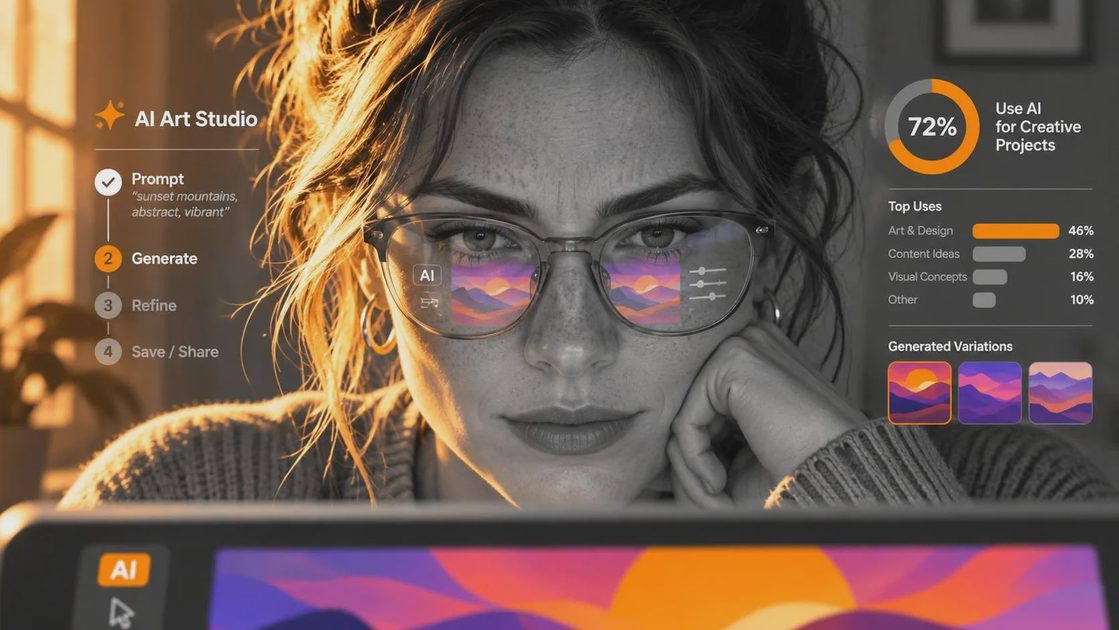
Canva is a practical choice for a small-business owner making a flyer, presentation, or social graphic. Its AI image tools sit within a design platform, so the useful part is not just generating a picture; it is being able to place that picture alongside editable text and other layout elements.
Some AI features and allowances depend on the plan. Before designing an entire campaign around a particular tool, check whether it is included in the free tier and whether the output and download options meet your needs. For a sale announcement, for example, generate the background and add the offer and expiration date as ordinary editable text.
Microsoft Designer: Best for quick visual exploration
Microsoft Designer is an approachable place to try a prompt when you want a quick illustration or visual concept. It may suit someone already using a Microsoft account who wants to experiment without learning a full design application first.
Availability and free usage allowances can vary, so look at the current access rules. As with the other choices, review faces, hands, lettering, and object details at the size at which the image will actually appear. A tiny preview can hide a surprisingly creative interpretation of a coffee cup handle.
A prompt workflow that makes comparisons useful
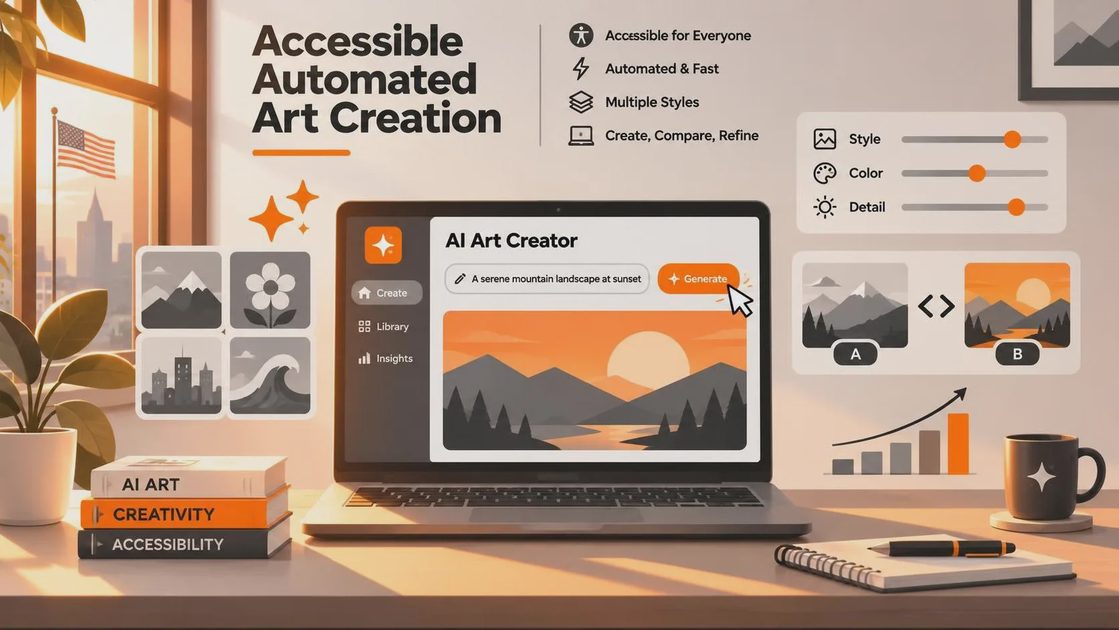
Start with a sketch. It can be a rough drawing, a written description, or a few notes about where the subject and text should sit. The goal is to give each tool the same visual assignment rather than comparing a detailed prompt in one with a vague sentence in another.
For example, imagine a small coffee shop needs a square social image announcing a seasonal drink. The visual goal is a calm product scene with clear space for a headline, not a photorealistic reproduction of a specific menu item. Try this first prompt:
“Create a square editorial-style image of an iced coffee in a clear glass on a pale stone table. Soft morning light, warm neutral colors, simple background. Leave the upper third uncluttered for a headline. No text or logos.”
Look at the first draft for the things the layout actually needs. Is there enough quiet space for type? Does the glass look plausible? Is the drink visible against the background? If the top third is crowded, revise the instruction rather than adding a dozen unrelated style words:
“Keep the same general scene, but lower the glass in the frame and make the upper third a plain warm cream wall. Keep shadows soft and do not add lettering.”
The revised prompt describes the problem and the desired change. It does not guarantee a perfect image, and some tools may interpret a revision as a new image rather than preserving every detail. Save promising versions as you go. Then add the real headline in a layout editor, where spelling, contrast, and alignment are under your control.
What free access and commercial use really mean
Free usually describes an allowance, not an unlimited production license. A service may restrict the number of generations, offer fewer features on its free plan, or change its limits over time. Check whether an account is required, what happens when you reach the limit, and whether the image size works for your intended placement.
For business use, read the provider’s current terms for the specific feature and account tier. Permission to use an output commercially is not the same as a guarantee that it avoids every copyright, trademark, publicity, or advertising issue. Avoid prompting for a competitor’s logo or a recognizable person’s likeness, and get permission before uploading client images or other confidential material.
For a real product listing, accuracy matters as much as usage rights. A generated bottle can subtly change the cap, label, or proportions. Use an approved product photo when customers need to see the actual item; use generated scenes for concept development or backgrounds only when the result can be combined without misrepresenting the product.
Choose by the finished job
If you need to find a direction, begin with ChatGPT or Microsoft Designer and compare a few compositions. If you need a shareable post with editable copy, try Canva. If your project already lives in Adobe’s tools, explore Firefly as part of that workflow.
Whichever you choose, judge the result in its final context: place the image in the intended layout, view it at phone size, and check the copy separately. The best free tool is the one that gets you to a usable, accurate visual with the fewest awkward fixes—not necessarily the one that makes the flashiest first draft.