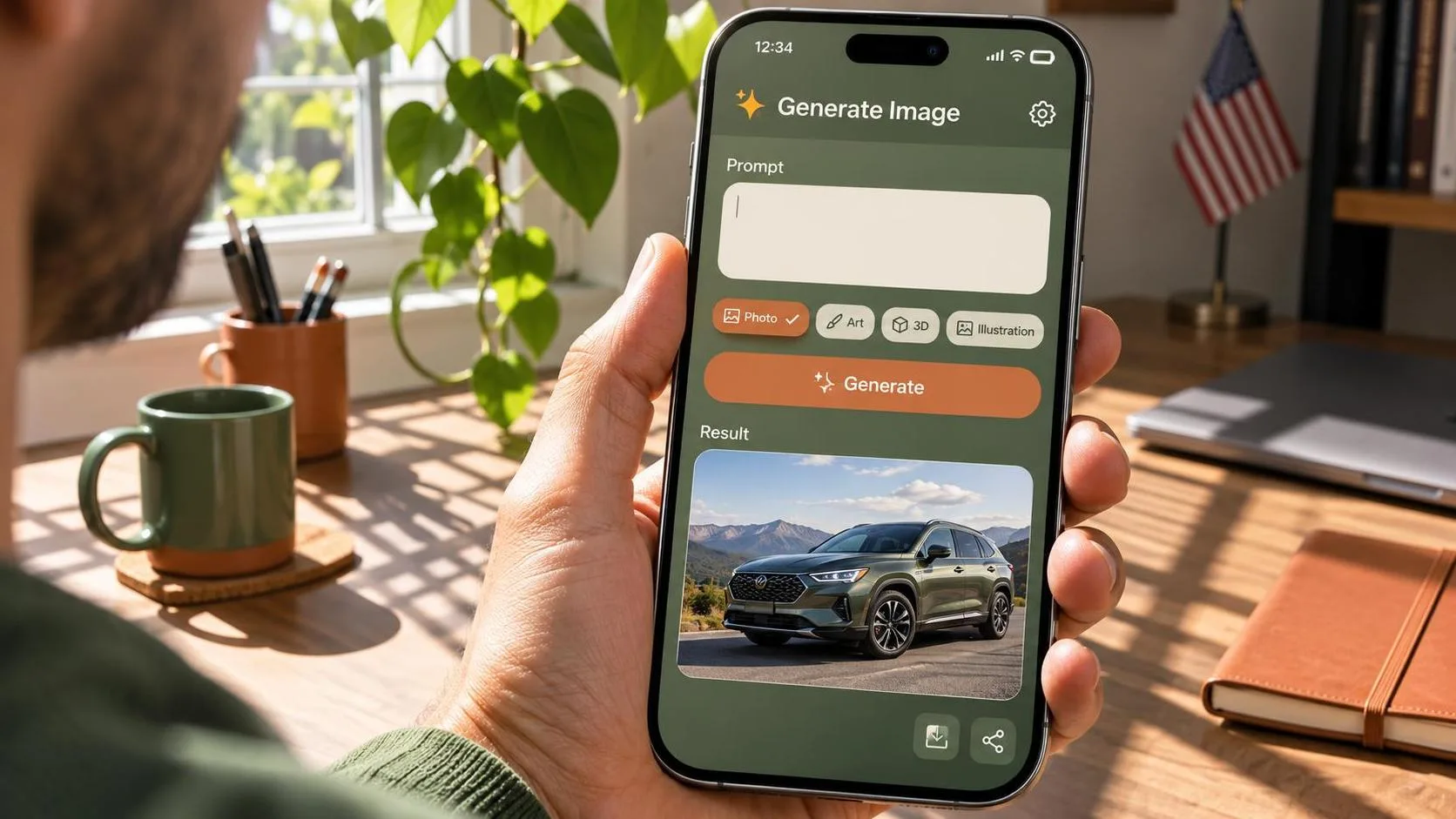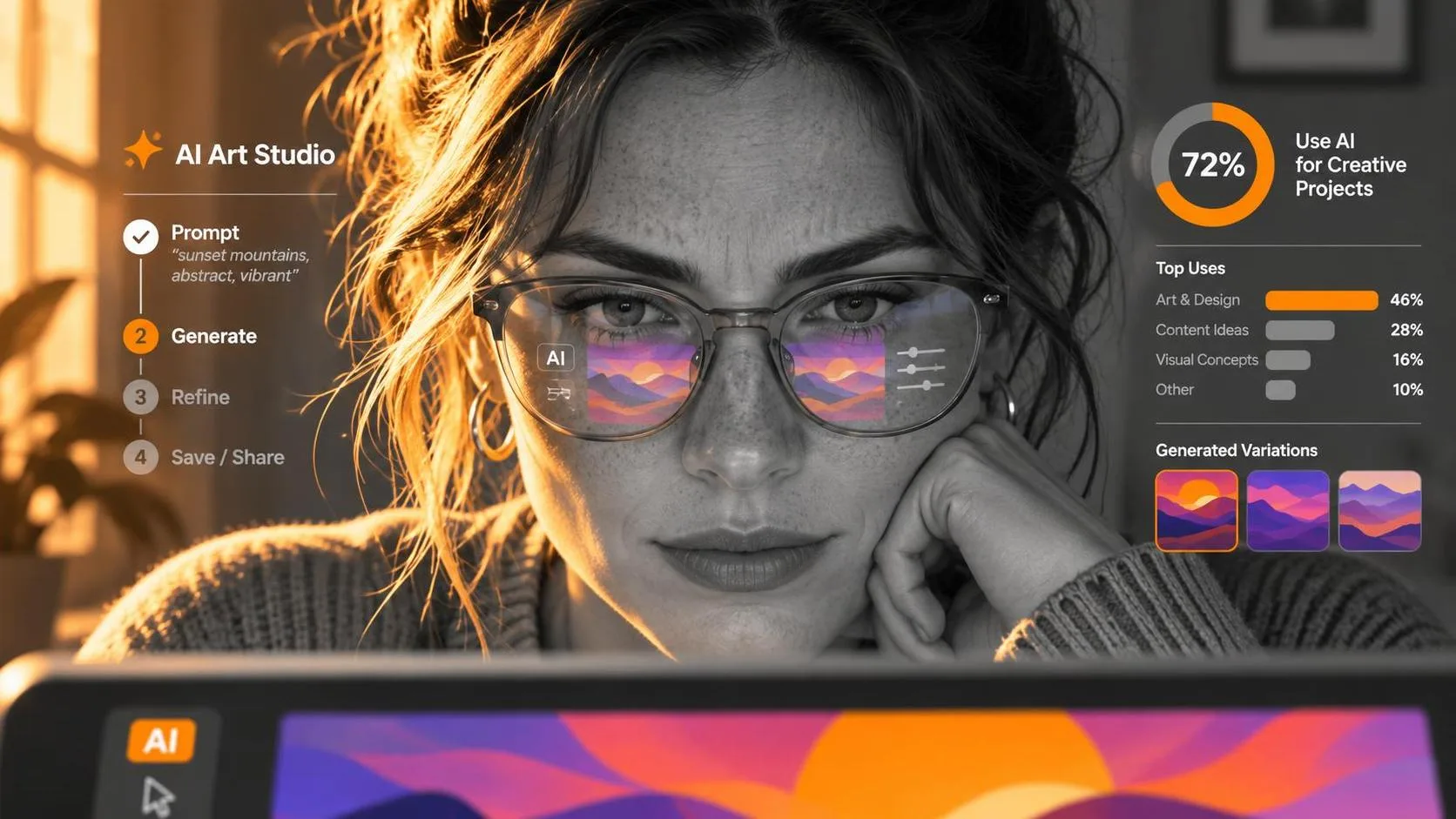
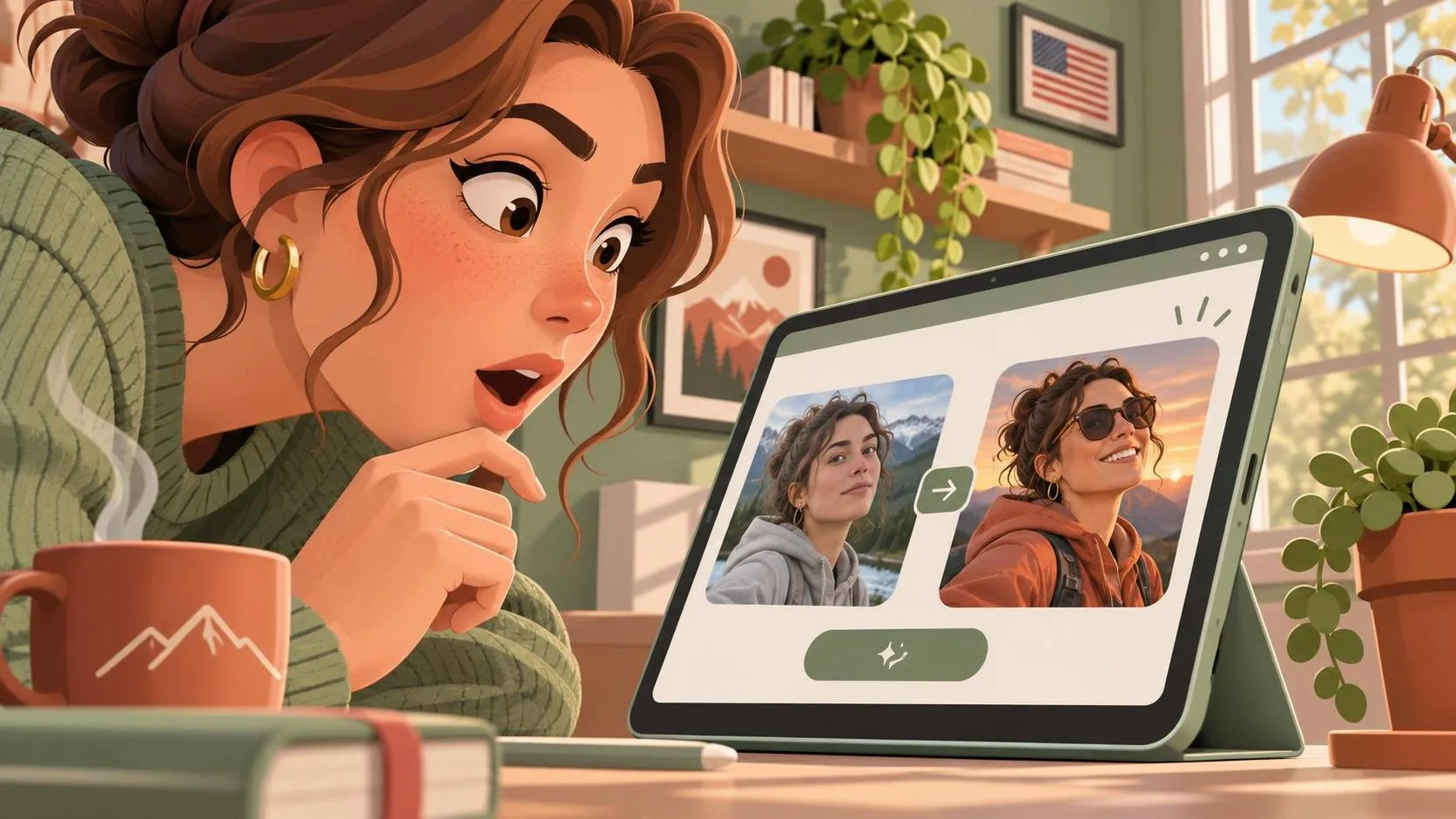
A product photo with a distracting background is a good reason to try image to image free: upload the photo, describe the change, and generate a new version without starting from a blank canvas. Free access usually comes with limits, though, and a convincing result may still alter the product itself. Start with a simple edit and inspect the details before using the image in public.
Choose a free starting point
For a conversational workflow, try ChatGPT’s image tools: they suit beginners who want to upload a picture, explain a change in plain English, and refine it through follow-up instructions. Check the available image features and usage limits on your account; free access and model availability can change. In particular, verify the model name shown in the product rather than assuming an image tool is called Image2.5.
Adobe Firefly is worth considering if you want a browser-based creative workspace and a path into Adobe’s broader design tools. Its free access may use a limited credit allowance, so check which image editing features are included before beginning a larger project. Canva is a practical option for someone building a social post or presentation around the image; check whether the specific AI editing feature you need is available on the free plan.
These are starting points, not promises that every feature is unlimited or available in every region. For any image to image free tool, look at the upload requirements, generation allowance, export options, and commercial-use terms before committing a whole afternoon.
The Image Guide is an independent publication and is not affiliated with OpenAI or ChatGPT.
Start with a sketch and a clear source image
Your source can be a photograph, a rough drawing, or a digital mockup. Choose one that makes the important shapes easy to read. If you are editing a product shot, use an image where the object is in focus and its edges are visible. A blurry source gives the generator more room to invent, which is not necessarily a gift.
Decide what must stay and what can change. For a ceramic mug, the silhouette and handle position might be fixed, while the tabletop, background, and lighting are flexible. Crop away unrelated clutter if it makes the assignment clearer, but keep enough space around the subject for the new composition.
Upload only images you own or have permission to use. Avoid confidential client work and personal details unless you understand the service’s privacy settings and have the necessary consent. A free tool can still process or retain uploads under its own terms, so read those terms rather than assuming free means private.
Make the first edit small
A useful image to image free workflow begins with one visual problem, not a shopping list of ten changes. Imagine a handmade mug photographed against a busy kitchen counter. The goal is a calmer shop image while keeping the mug recognizable.
Try this prompt after uploading the photo:
“Keep the mug’s shape, handle, and surface pattern consistent with the reference. Replace the background with a warm off-white studio backdrop. Place the mug on a pale wooden surface with soft light from the left. Use a square composition.”
The prompt gives the generator a subject, a boundary, and a visual direction. It also specifies the intended crop. If the tool offers a strength or resemblance control, start near the middle or toward the setting that preserves more of the source. The exact labels vary; the point is to avoid making such a dramatic change that the original object disappears.
Now inspect the first draft against the source. Does the handle attach in the same place? Has the rim changed shape? Did a painted stripe turn into an entirely different pattern? An attractive background is not enough if a shopper would receive a noticeably different mug.
Revise the result, not just the prompt
If the background works but the mug has changed, tell the tool exactly what went wrong: “The handle became wider than in the reference. Restore its original narrow shape and keep the rest of the composition unchanged.” Some tools let you select or mask a region before editing; use that control to target the handle when available.
If the whole image feels wrong, return to the original upload and simplify the request. Ask for the background first, then adjust lighting in a separate pass. Repeatedly editing an already altered image can carry earlier mistakes forward. Keep the original file handy, and save promising versions so you can compare them side by side.
A second image to image free prompt can solve a different problem: turning a rough layout into a visual direction. Upload a simple sketch and try: “Use this sketch as a layout reference for a café event poster. Keep the large title area at the top, the illustration in the center, and open space at the bottom for event details. Use a limited palette of cream, rust, and dark brown.”
Here the goal is composition, not finished typography. If the generator invents unreadable lettering, bring the image into a design editor and add the actual event information yourself. Leave more empty space than you think you need; a beautiful illustration is less useful when the date has nowhere to live.
Check the finished image before publishing
Zoom in on edges, reflections, hands, logos, and small patterns. Compare the final product against the original at a similar size. For merchandise, pay particular attention to color, proportions, packaging, and any details a customer relies on when deciding what to buy. If accuracy matters more than atmosphere, use the original product photo and edit only the surrounding background.
Also check the export dimensions against the place you plan to publish. A small image may look fine in a social feed but fall apart on a large print layout. Enlarging it can make flaws more visible; it cannot reliably restore product details that were never there.
Before commercial use, review the provider’s current terms and any applicable rights in the source image, fonts, logos, or recognizable people. A generated image is not automatically cleared just because the tool allowed you to download it.
The best image to image free result is not always the most dramatic transformation. It is the one that solves the original visual problem, preserves what matters, and gives you a file you can actually use.