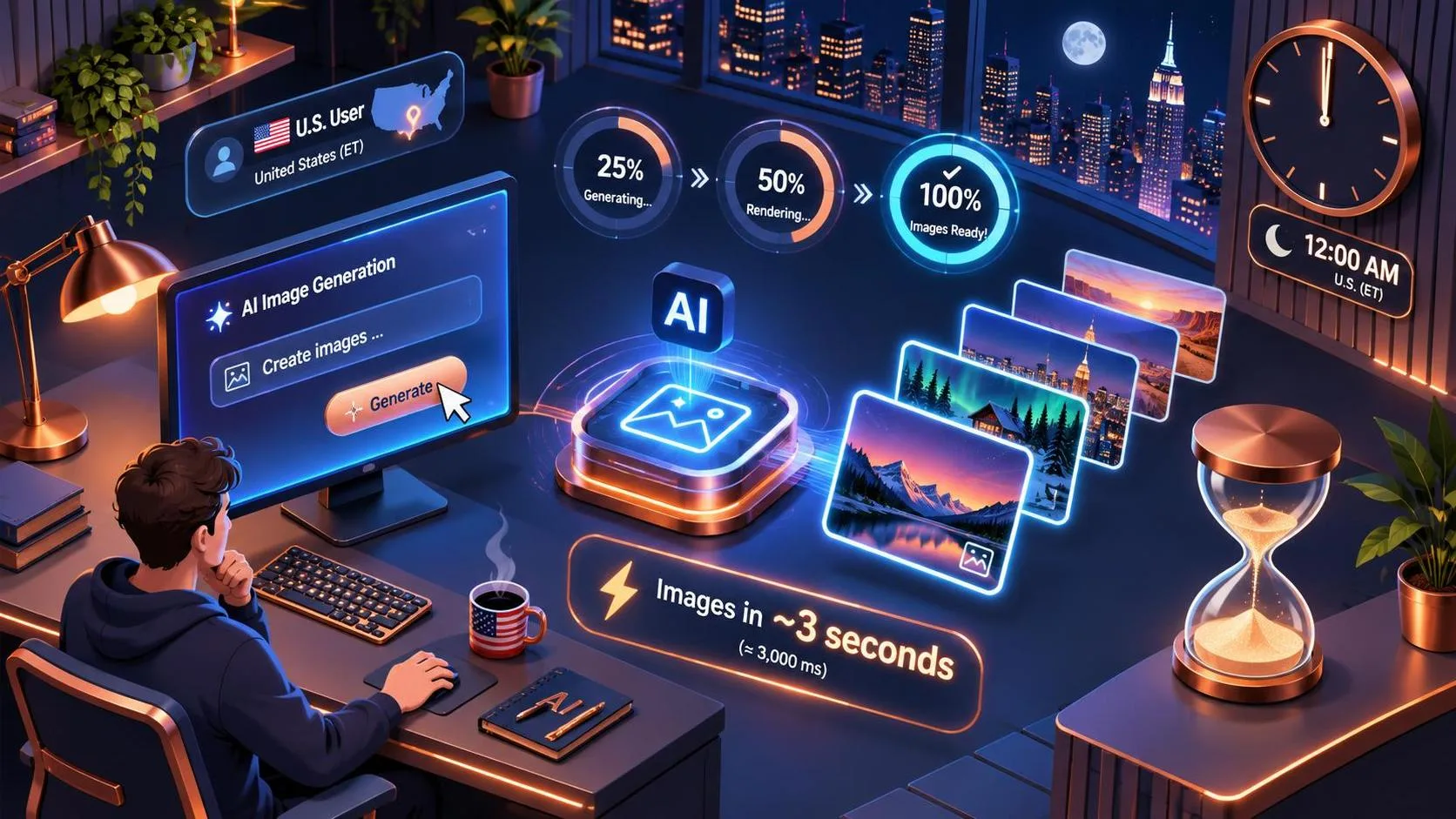
You need a visual for a social post, and the little progress indicator seems to be taking its sweet time. So how long does it take chatgpt to generate an image? A useful planning estimate is anywhere from under a minute to several minutes, though there is no guaranteed turnaround. A complex request or a busy service can take longer. If nothing has appeared after several minutes, check for an error or service disruption before assuming your prompt is the problem.
That estimate is a practical buffer, not a published service promise. Actual timing changes with the image feature available to your account, demand, and the task. The Image Guide is an independent publication and is not affiliated with OpenAI or ChatGPT.
What affects the wait?
The biggest variable may be one you cannot see: how busy the service is. Requests can take longer when demand is high, even if you send the same prompt twice. Your connection and browser can also affect how quickly the finished image appears on your screen, although a slow connection is not necessarily slowing the image generation itself.
The assignment matters, too. A simple composition may be quicker than a request with several objects, detailed lettering, reference images, and precise layout instructions. That is a useful possibility to plan around, not a dependable shortcut: a shorter prompt does not guarantee a faster result.
For example, “a red ceramic mug on a pale blue background” gives the system fewer visual relationships to resolve than a café poster with multiple products, a headline, fine print, and a specific grid. The poster may also need revisions even if the first image arrives quickly.
How long does it take chatgpt to generate an image for a real project?
The generation itself is only part of the schedule. For a usable marketing image, leave room to inspect the result, revise the prompt, and make any necessary edits outside ChatGPT. If the image needs exact product details or approved wording, that review can matter more than shaving a few seconds off the first draft.
Start with a sketch. Describe the subject, setting, and composition before adding every finishing detail. For a small coffee shop’s social graphic, a first prompt might be:
“Create a square social graphic showing a plain takeaway coffee cup on a warm cream tabletop. Leave open space in the upper third for a headline. Use soft morning light and a restrained, friendly color palette.”
The goal is to see whether the layout has room for the message. Once you have a first draft, look at the empty space, cup shape, and contrast. If the space is too narrow, a useful revision would be: “Move the cup lower in the frame and leave the top third clear.” Then add the final headline in your design software, where you can control the spelling and placement.
That is an illustrative workflow, not a promise that either prompt will produce a particular result. The point is to separate composition decisions from final production. One clear revision is often more useful than starting over with a paragraph of competing instructions.
When a generation seems stuck
Give the request a few minutes before repeatedly clicking or submitting it again. Multiple submissions can leave you with duplicate work to sort through, and they will not necessarily make the first request finish sooner.
If the screen shows an error, read it before retrying. A usage-limit message calls for a different response than a connection problem: you may need to wait for access to reset, while a network issue may respond to reconnecting. Limits and availability can vary by account and plan, so check the message and your account information rather than relying on a fixed reset time.
If there is no clear error, try these steps in order. Copy your prompt somewhere safe, check your internet connection, and look at OpenAI’s status page for a reported disruption. If the page is unresponsive, refresh or reopen the conversation, then check whether the image appeared before sending the request again. A refresh can interrupt work that was still in progress, which is why I would not make it the first move.
Still stuck? Try a fresh conversation with a simpler version of the request. If that works, add back the important constraints one at a time. If several unrelated requests fail, the issue may be with access, the service, or your device rather than the wording. Check the help options in ChatGPT and include the error message if you contact support.
Make the wait useful without rushing the result
While an image is processing, decide what the finished asset actually needs to do. For a product post, check the required dimensions, the space available for copy, and whether the product’s shape and label must match a real item. A beautiful cup with a subtly wrong logo is still the wrong cup.
When the result arrives, inspect it at the size it will be displayed. Look for awkward edges, unintended text, missing parts, and distracting details near the focal point. If you supplied a reference image, compare important proportions against it rather than trusting a quick glance. For commercial work, confirm that you have permission to use any reference material you upload.
Keep your original prompt and note the change you make in each revision. That small habit makes it easier to tell whether moving the subject, changing the background, or simplifying the brief improved the composition. It also keeps a slow generation from turning into a guessing game.
The practical answer is to budget several minutes for the first image and extra time for review. If a deadline is tight, prepare the copy and layout separately so an unexpected wait does not hold the whole project hostage.