Most time lost with Image2.5 comes from making the wrong kind of adjustment. People revise a prompt that needs a fresh start, regenerate when a small fix would have been enough, or keep pushing a generation that was never going to meet the brief. The result is a long trail of almost-good images and growing frustration.
This post lays out the simple decision rules I use on every Image2.5 project. They come from repeated product, social, and interior tests and from watching where client work stalls. The goal is not rigid process for its own sake. The goal is to spend generations only on changes that actually move the image closer to usable.
Three possible moves after every generation
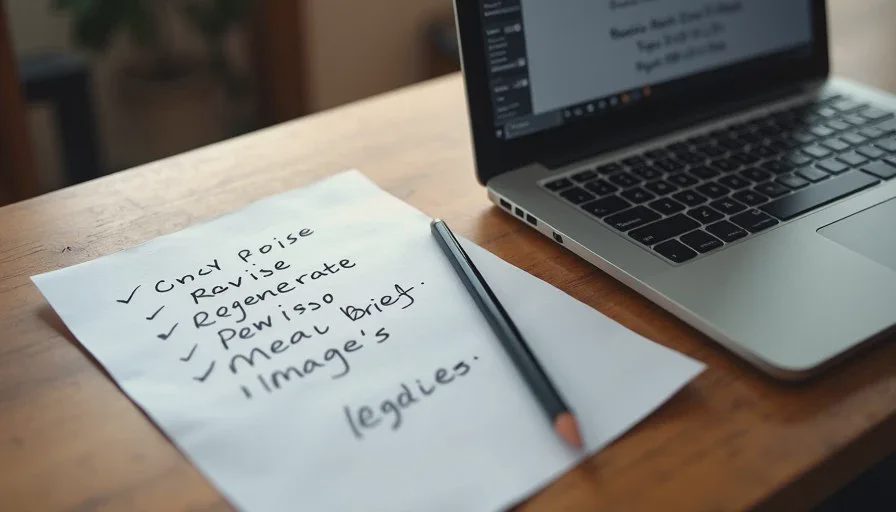
After you look at a new Image2.5 result, only three productive actions exist:
Revise the existing prompt (small, targeted changes)
Regenerate with the same prompt or a lightly adjusted one
Return to the brief and write a new prompt from scratch
Choosing the wrong move wastes the most time. The rest of this post shows how to decide which one fits the situation.
When to revise the existing prompt
Revise when the generation is already close on the majority of requirements and only one or two specific elements have failed.
Typical revise situations:
Proportions are mostly correct but one feature (handle, spout, shoulder) is off
Material is almost right but has a slight unwanted sheen
Light direction is good but contrast or shadow strength needs adjustment
Composition is usable but the text zone is slightly too tight
Hierarchy is almost clear but one secondary object competes too strongly
In these cases I change only the failing language and keep everything else identical. This isolates the effect of the edit and usually produces a clear improvement within one or two generations.
I avoid revising when more than two major categories are wrong. Stacking many corrections on a weak base often creates new problems while trying to fix old ones.
When to regenerate (same or lightly adjusted prompt)
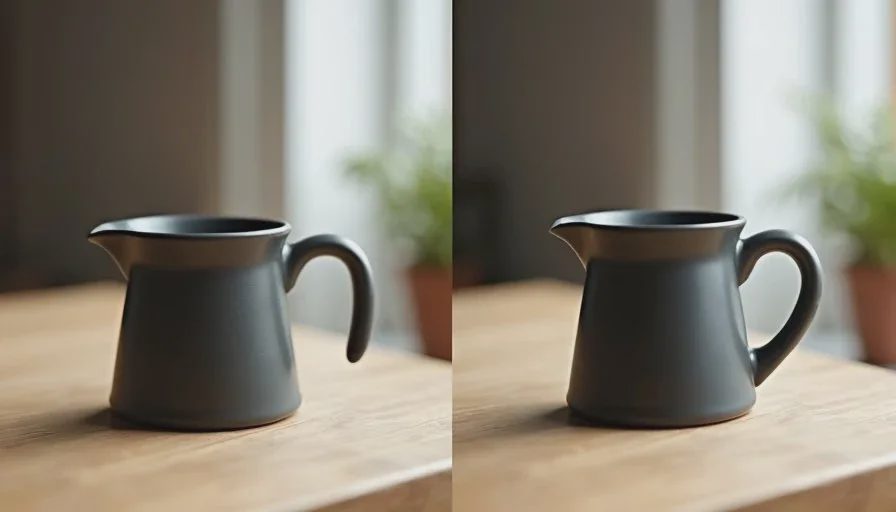
Regenerate when the prompt itself is sound but the particular generation failed for reasons that look like normal model variation.
Typical regenerate situations:
The prompt has already produced a good result in a previous run
Only minor random defects appeared (odd shadow, slight warp, temporary texture glitch)
You want a different crop or minor pose variation without changing the core description
The brief and prompt are solid and you simply need another candidate for selection
Regeneration is cheap and useful for building a small set of options. It is not useful when the underlying prompt is missing key constraints. In that case new generations will keep repeating the same structural failures.
When to start with a new brief or a new prompt
Return to the brief when the generation reveals that the original direction was incomplete or incorrect.
Typical restart situations:
The image is attractive but does not serve the actual use (wrong text space, wrong mood for the channel, wrong product emphasis)
Multiple core requirements fail at once (proportions, material, light, and hierarchy)
The prompt has been revised several times and the results are not converging
You realize the brief itself never defined a measurable standard for success
In these cases I stop generating and rewrite the brief first. A clearer brief almost always produces a better first prompt than continued patching of a weak one.
Restarting feels slower in the moment. It is usually faster overall because it prevents long sequences of unproductive generations.
A simple decision checklist
After every generation I ask three questions in order:
Does this image already meet most of the brief, with only one or two clear failures?
→ Yes: revise only those points.Is the prompt itself solid and the failure looks like normal variation?
→ Yes: regenerate.Are multiple core requirements failing, or does the image miss the real use case?
→ Yes: return to the brief and write a new prompt.
If the answer to the first two questions is no, I default to restarting rather than forcing more revisions.
Real project examples of each decision
On a ceramic kettle product shot the first generation had correct overall shape but a plastic sheen and slightly soft feet. That was a revise case: I strengthened the dry-material language and the feet description. The next frame was usable.
On a social campaign the hero frame was strong, but one lifestyle variation randomly warped the bag proportions. The prompt had already proven itself, so I regenerated twice and selected the clean version. No prompt change was needed.
On an interior scene the generations kept producing attractive rooms that had no clean space for the product and used the wrong light direction for the brand. After three attempts I stopped, rewrote the brief to lock text space and light direction first, and started a new prompt. The new direction produced a usable frame on the second try.
Habits that keep the decisions clean
A few working habits make the three-way choice easier:
Keep the original brief visible while generating.
Evaluate against the brief, not against general attractiveness.
Limit consecutive revisions to two rounds before questioning the prompt itself.
Archive both successful and failed prompts with short notes about why they worked or failed.
These habits turn the decision from a feeling into a short, repeatable check.
Why the distinction matters for real work
Image2.5 is fast at producing images. It is not automatically efficient at producing the right images. The difference between a short productive session and a long unproductive one is usually the quality of the revise / regenerate / restart decisions.
When you revise only what is broken, regenerate only when the prompt is already sound, and restart when the direction itself is wrong, the total number of generations drops and the percentage of usable frames rises. That is the practical value of the workflow.
Start with a clear brief. After each generation, choose the move that matches the actual gap. The work stays focused and the results stay closer to what the project actually needs.